CycleOps now works great on your phone
· 2 min read


We’ve shipped a broad set of mobile UX improvements across CycleOps — the takeaway is simple:
CycleOps is now genuinely easy to use on your phone.
We’ve shipped a broad set of mobile UX improvements across CycleOps — the takeaway is simple:
CycleOps is now genuinely easy to use on your phone.


CI/CD pipelines just got a lot easier on the Internet Computer.
In this post, I'm going to show you how you can easily automate your deployments using CycleOps and IC Deploy Actions
No need to manually run dfx deploy command on your terminal, or spend hours configuring your custom github actions. Just plug in and use.


Heap overflow anxiety — gone. The new CycleOps V3 Blackhole adds 8 new in-depth memory metrics, with heap and stable memory alerts that keep your canister's data healthy and cost‑efficient.

Today we're very excited to announce a new integration with icp.ninja, the web based integrated development environment (IDE) that is the best place to kick start your Internet Computer development journey. We built a new protocol and API that enables icp.ninja users to create, deploy, and manage real canisters, right from the IDE.

Spot the metric anomaly, trace it to a code update, and uncover the bug—your CycleOps dashboard just got x‑ray vision.
Today, we’re excited to announce a direct integration with Research‑AG’s canister History Tracker, allowing developers to connect memory spikes and cycle burn surges back to the exact deployments that triggered them.

Today we're releasing the ability to create new canister smart contracts in seconds, and to manage them directly from your CycleOps dashboard.
No terminal. No dfx canister create ...<what args next?>. Just a few clicks.
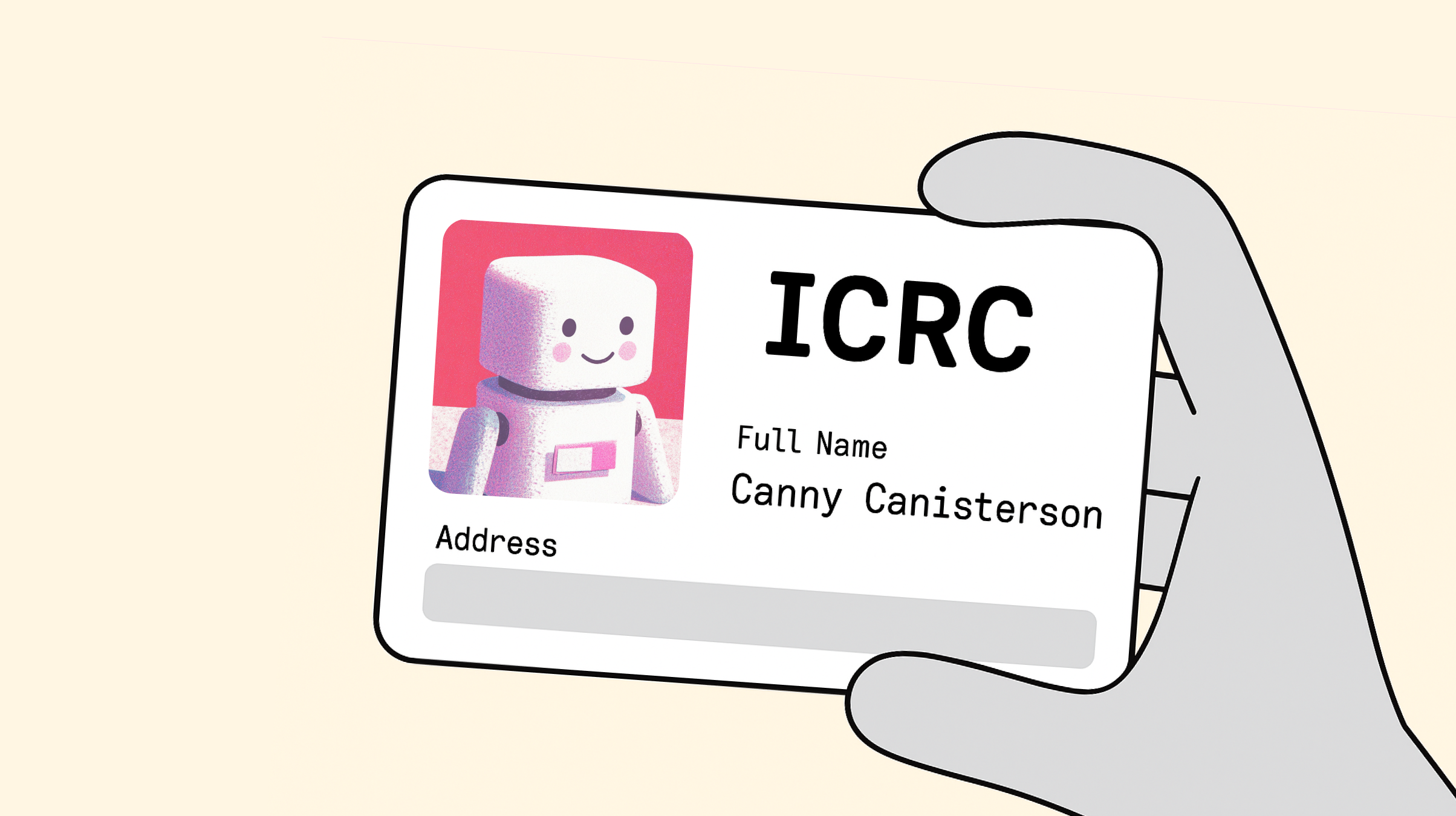
Today, we're rolling out ICRC deposits for CycleOps, meaning you can fund topups directly from your SNS with a single Transfer SNS Treasury Funds proposal 🎉

Did you know that your canister can suddenly stop saving new data if it’s on a busy subnet and you haven’t set it up to reserve enough cycles for new memory allocations?
CycleOps now has monitoring and alerting features to help you stay on top of the important but lesser-known "reserved cycles" canister configuration. Here's everything you need to know about reserved cycles, and how you can set up alerts for them in just a few minutes!

Today we’re releasing even more tools to make it easier to manage your canisters. Batch actions have been live for a few weeks now, but with this release you can now change top-up rules, setup memory alerting, finalize canister setup, or perform a one-time top-up for hundreds of canisters at a time.
All you need to do is select a bunch of canisters, open the command prompt (⌘ + K) or right click, and choose which action you want to perform. Just one more thing we’re doing to make CycleOps the best possible home for your canisters.

Today we're announcing a core protocol update that will provide all canisters with more detailed memory metrics. This update equips developers with a clearer understanding of how their canisters utilize memory, allowing for better debugging, resource allocation, and monitoring.
This is our first contribution to the core protocol as a team, making CycleOps one of the first teams to contribute to the protocol outside of Dfinity, and aligns with our mission to help build a world class developer experience on ICP.